
Cloud PCs: The Future of Business Computing for UK Organisations
The way businesses work is changing rapidly. Windows 365 Cloud PCs offer UK businesses a revolutionary approach to computing – access your full Windows desktop from anywhere, on any device. As your UK IT support partner, Omega IT can help you make the transition seamlessly.
Thinking about Cloud PCs?
We help UK businesses set up and license Windows 365 Cloud PCs the right way.
What is a Windows 365 Cloud PC?
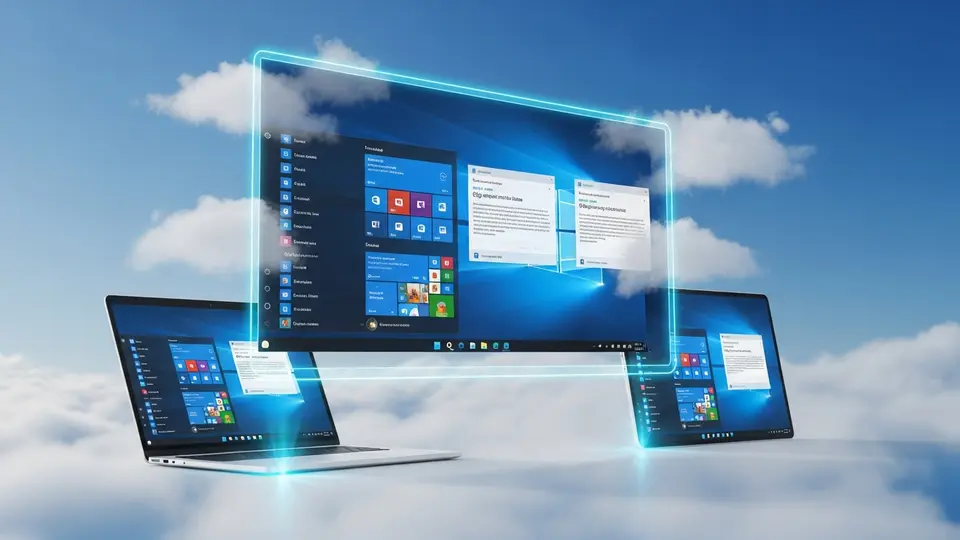
A Cloud PC is a complete Windows computer that runs in Microsoft's secure cloud. Unlike traditional PCs that sit under your desk, a Cloud PC lives online and can be accessed from any device with an internet connection.
Key features of Windows 365 include:
- Full Windows 11 Experience – Run all your familiar Windows applications in the cloud
- Access from Anywhere – Work from home, the office, or on the go
- Any Device – Use a laptop, tablet, or even your phone to access your Cloud PC
- Automatic Updates – Microsoft handles all security patches and updates
- Enterprise Security – Your data is protected with Microsoft's enterprise-grade security
Benefits for UK Businesses
For UK businesses, cloud-based PCs offer significant advantages:
- Remote Working – Enable your team to work productively from anywhere in the UK or abroad
- Reduced Hardware Costs – No need to invest in expensive desktop computers
- Simplified IT Management – Let Omega IT manage your Cloud PCs with our managed IT support services
- Scalability – Add or remove users quickly as your business grows
- Business Continuity – If a device breaks, simply log in from another device
Cloud PC Pricing and Options
Windows 365 offers predictable monthly pricing based on the specifications you need. Microsoft offers a wider range of sizes than shown here; these are typical examples:
- Basic – 2 vCPU, 4GB RAM, 128GB storage – ideal for light office work
- Standard – 4 vCPU, 8GB RAM, 256GB storage – perfect for most business users
- Premium – 8 vCPU, 16GB RAM, 512GB storage – for power users and developers
Combined with Microsoft 365, you get a complete cloud productivity solution including Teams, SharePoint, and Outlook.
Is Windows 365 right for you?
Our team can help you size, license and roll out Cloud PCs for your staff.
Replacing Outdated Servers with Cloud PCs
If your business is still running outdated servers like Windows Server 2012 R2, Cloud PCs offer a modern alternative. Instead of investing in new on-premises hardware, you can move your entire workforce to the cloud.
Omega IT: Your Windows 365 Partner
As experts in IT infrastructure management and Microsoft 365, Omega IT provides complete Cloud PC solutions:
- Assessment of your current IT setup and Cloud PC readiness
- Migration planning and implementation
- User training and onboarding
- Ongoing support and management
- Integration with your existing systems
Get Started with Cloud PCs Today
Ready to transform how your UK business works? Contact Omega IT for a free consultation. We'll show you how Windows 365 can benefit your specific business needs.
Call us free on 0800 254 5458, email talktous@omegait.im or use our contact form.
Want this set up for you?
Omega IT can configure and manage Microsoft 365 for your team.