
"Just fill in the self-assessment" undersells what Cyber Essentials actually asks of a business. The questionnaire is straightforward, but answering it honestly means your five core security controls really are in place, and that is where the preparation lies. This guide walks through what the Cyber Essentials self-assessment covers, what the question set expects, and how to get ready so you pass first time rather than bouncing off a failed attempt.
It is a practical companion to our Cyber Essentials vs Cyber Essentials Plus comparison; there we explain the two levels, here we focus on getting through the self-assessment itself.
Facing the self-assessment?
See how our cyber security team helps businesses get ready to pass first time.
What the self-assessment is
Cyber Essentials is a UK government-backed scheme from the NCSC, delivered by IASME. The standard level is a verified self-assessment: you answer a set question set describing how your systems are configured, and a qualified assessor reviews your answers and either certifies you or tells you what needs fixing. There is no hands-on testing at this level (that is Cyber Essentials Plus), so it rests on an honest, accurate account of your setup.
The five controls you self-assess
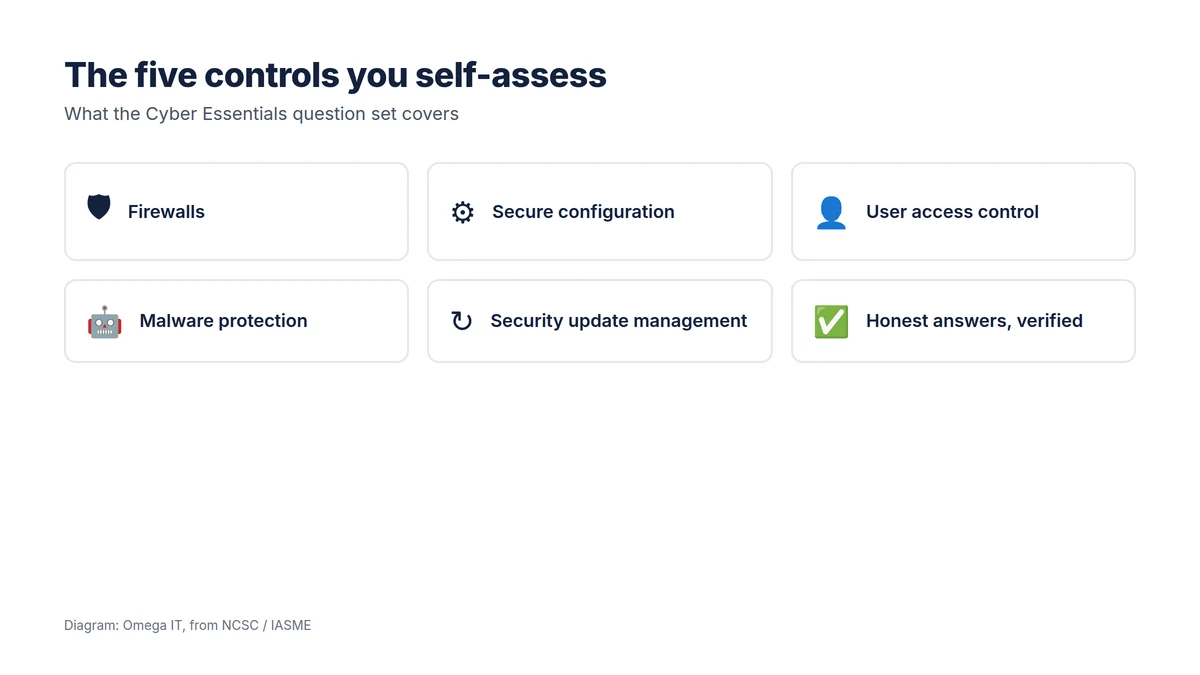
The question set is organised around five technical controls:
- Firewalls — protecting the boundary between your networks and the internet, including properly configured firewalls on devices that leave the office.
- Secure configuration — removing default passwords and unnecessary features, and setting devices up safely.
- User access control — giving people only the access their role needs, and controlling administrator accounts.
- Malware protection — anti-malware on every in-scope device.
- Security update management — keeping operating systems and software supported and patched within set timescales.
These are the same five at both levels; the self-assessment checks them through your answers rather than a technical audit.
Getting ready to self-assess
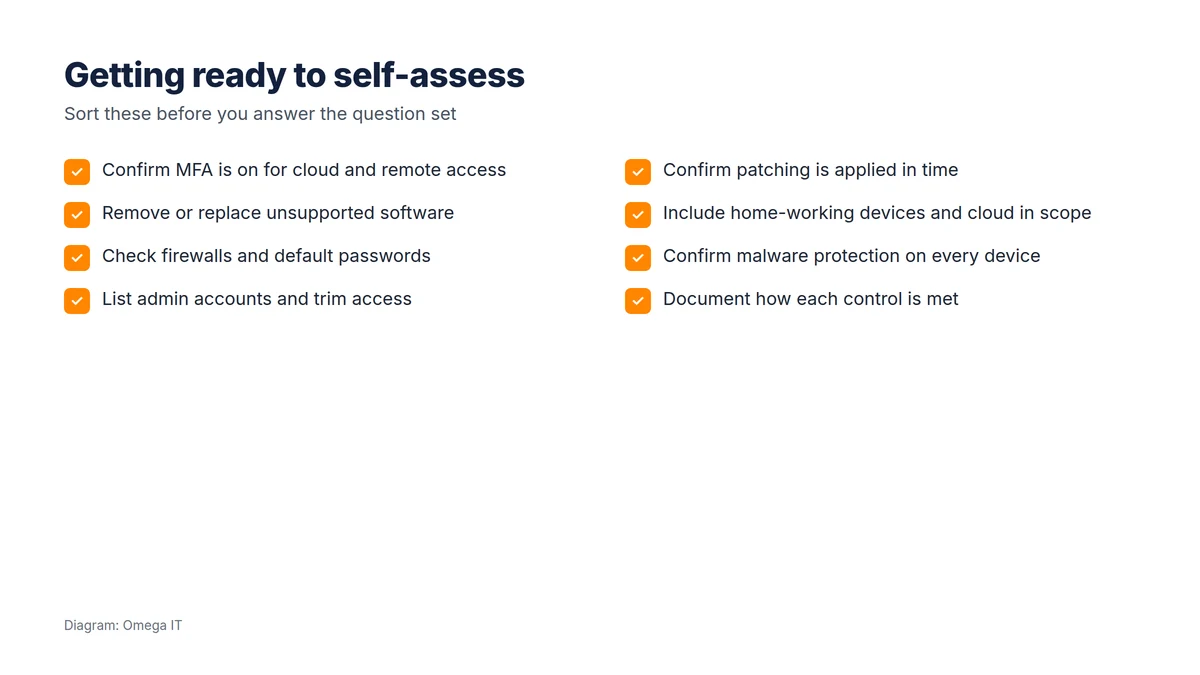
Do the groundwork before you open the questionnaire, and the assessment becomes a formality:
- Turn on multi-factor authentication for cloud services and remote access; this is now a firm expectation. See our MFA guide.
- Remove or replace unsupported software, such as any machine still on an end-of-life version of Windows, as unsupported software fails the update control.
- Check firewalls and change default passwords on routers, devices and services.
- List admin accounts and trim access so people use standard accounts for everyday work.
- Confirm patching is applied in time across operating systems and applications.
- Get the scope right: include home-working devices and cloud services, which are easy to overlook.
- Confirm malware protection is active on every in-scope device.
- Document how each control is met, so your answers are accurate and consistent.
Get ready to pass
Our team can line up the five controls before you submit your answers.
What businesses commonly get wrong
Most failures are not dramatic. They are MFA missing on a few accounts, a forgotten PC running software that is no longer supported, admin rights spread too widely, patching that is inconsistent, or home-working laptops and cloud services left out of scope. Each is straightforward to fix once spotted, which is exactly why doing a readiness check before you answer the question set is worth the effort. Many of these same controls appear on a general cyber security checklist, so preparing for Cyber Essentials improves your real security at the same time.
After the self-assessment
A pass gives you a certificate valid for 12 months, after which you renew. If a customer, insurer or framework asks for independent proof, the next step is Cyber Essentials Plus, an audit carried out within three months of your self-assessment, on the same scope. Many businesses plan both together. Either way, treat the certificate as the by-product of genuinely good controls, not the goal.
A control-by-control readiness walkthrough
It helps to know what "good" looks like for each of the five controls, and the gap that most often trips businesses up:
- Firewalls: a properly configured boundary firewall, and host firewalls on devices that work away from the office. Common gap: home-working laptops with no firewall policy.
- Secure configuration: default passwords changed, unnecessary software and accounts removed, devices set to lock. Common gap: kit installed with factory defaults still in place.
- User access control: people have only the access their role needs, and administrator rights are limited and separate from everyday accounts. Common gap: everyone a local admin "because it's easier".
- Malware protection: anti-malware active on every in-scope device. Common gap: a server or a Mac quietly left out.
- Security update management: supported software, patched within the scheme's timescales. Common gap: one end-of-life machine, or patches that lag.
Want help putting this in place?
Omega IT can set up the protections this guide covers.
Getting the scope right
Scope is where self-assessments go wrong. Cyber Essentials expects you to cover the whole organisation unless you deliberately and clearly carve out a separate part, and the scope must include the things businesses often forget: home-working devices, personally owned devices used for work (BYOD), and the cloud services where your data actually lives. Drawing the scope honestly at the start avoids answers that do not match reality, which is what an assessor, or later a Cyber Essentials Plus auditor, will catch.
After you submit
Once you submit the question set, a qualified assessor reviews it. If something is not up to standard, you get specific feedback and, usually, a short window to fix it and resubmit, rather than an outright fail. That is another reason to prepare properly first: the fewer gaps the assessor finds, the faster and smoother the certification. A pass gives you a certificate valid for twelve months, and a clear baseline to build on, whether or not you go on to the audited Cyber Essentials Plus.
How long it takes and what it costs
For a prepared business, filling in the self-assessment is not a huge task; the effort is in getting the controls right beforehand. The fee is set by IASME according to organisation size, broadly from £320 + VAT for a micro business up to £600 + VAT for a large one (indicative figures, check the current rates). The certificate lasts twelve months and then renews. If you have done the groundwork, an assessor typically turns the review around quickly; where answers are incomplete, expect a short back-and-forth to add detail or fix a gap before it is awarded. The practical lesson is the same throughout this guide: time spent on readiness is what makes the assessment fast, cheap and stress-free.
Talk to Omega IT
Omega IT helps UK businesses get their controls ready for the Cyber Essentials self-assessment, through our cyber security services. We are Cyber Essentials Plus certified (2026, via CyberSmart), so we work to the standard ourselves. (Our free Cyber Essentials checklist lets you work through the five controls alongside this guide; see all our free tools.)
Getting ready for Cyber Essentials? Call 0800 254 5458 or 03333 580 300, or request a quote.
Sources
General guidance, accurate to October 2026; scheme details can change. Diagrams by Omega IT.