
Cyber security can feel overwhelming for a small business, but most incidents are not sophisticated: they exploit a missing update, a reused password, or a staff member tricked by an email. That is good news, because the controls that stop the majority of attacks are mostly low-cost, and many are already included in services you pay for. This is a practical, plain-English checklist, based on NCSC guidance, of what to do first.
Working through the checklist?
See how our cyber security team helps you tackle the high-impact steps first.
Start with five quick wins
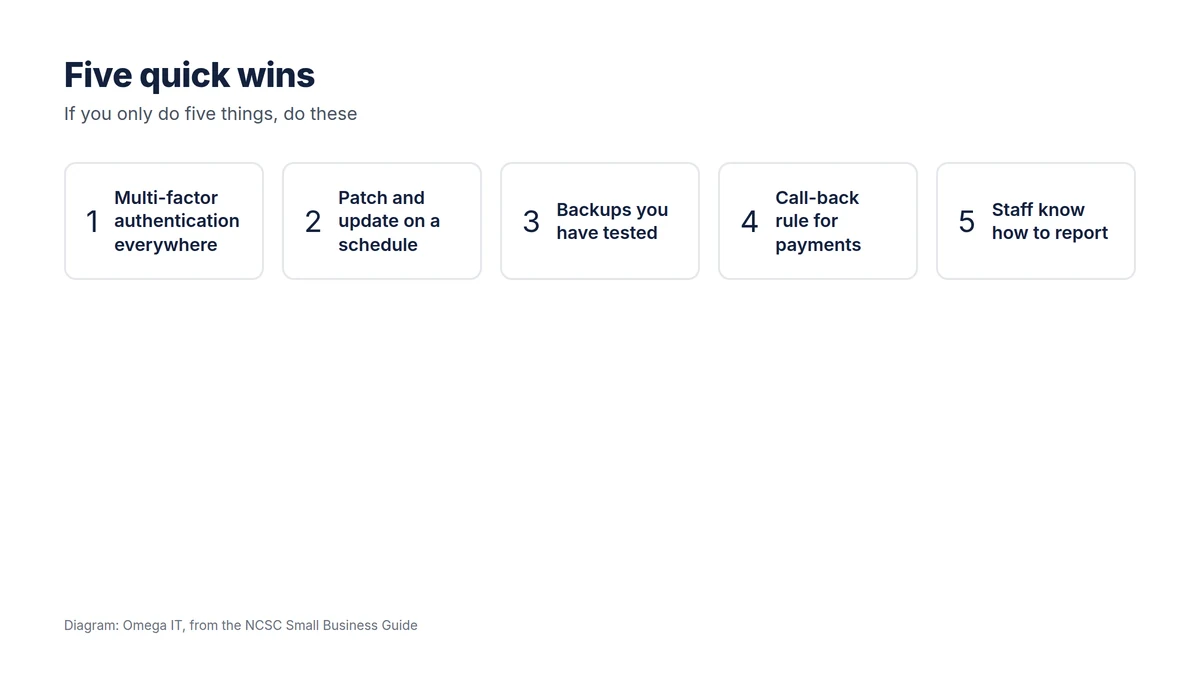
If the full list feels like a lot, these five block a disproportionate share of real-world attacks:
- Multi-factor authentication everywhere it is offered.
- Patch and update operating systems and software on a schedule.
- Back up your data, and actually test a restore.
- A call-back rule for payments, to stop invoice fraud.
- Staff who know how to spot and report a suspicious email.
Everything else builds on these.
The full checklist
Protect accounts
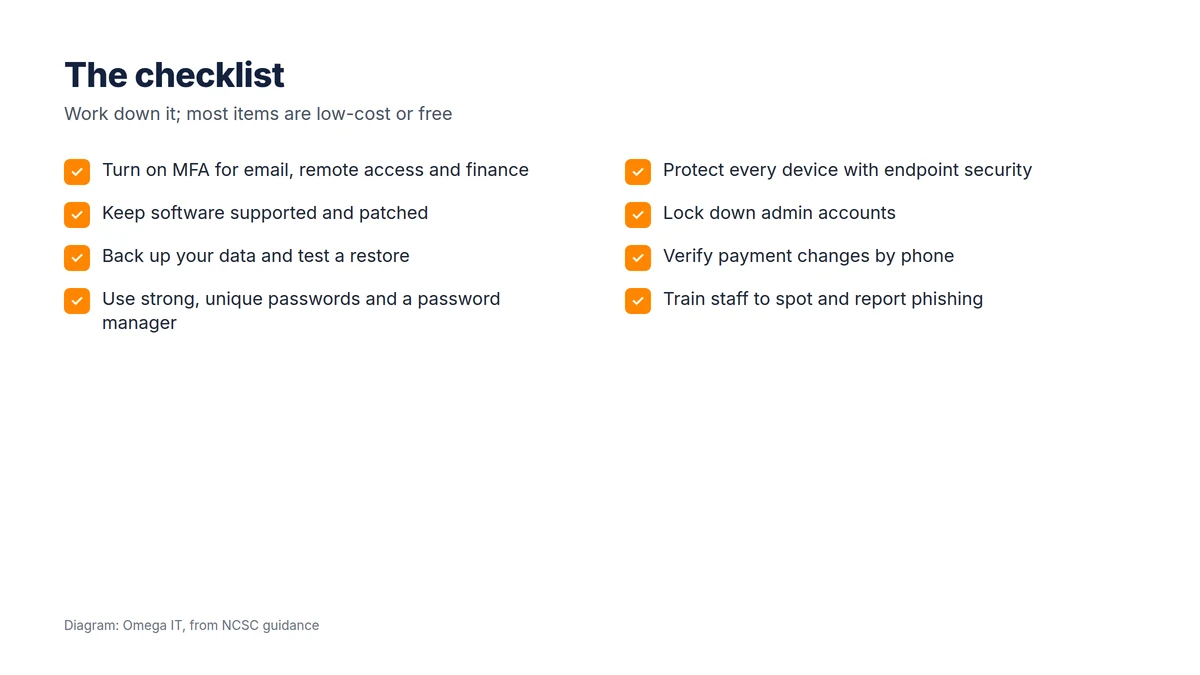
- Turn on MFA for email, remote access, finance and admin accounts first, then everywhere else. See our MFA guide.
- Use strong, unique passwords with a password manager, so a breach of one service does not unlock the rest.
- Lock down administrator accounts: day-to-day work should not happen on admin logins, and only the right people should have elevated rights.
Protect devices and software
- Patch promptly. Keep operating systems, browsers, firewalls and applications updated, and retire anything unsupported, such as machines still on an end-of-life version of Windows.
- Use modern endpoint protection on every device, not just basic antivirus; our guide to antivirus vs endpoint protection explains the difference.
- Manage mobile devices so a lost phone can be locked or wiped.
Protect your data and email
- Back up your data following the 3-2-1 principle, and test restores; remember that Microsoft 365 is your responsibility to back up.
- Protect your domain with SPF, DKIM and DMARC so criminals cannot easily send email as you.
- Verify payment changes by phone, the key control against invoice fraud.
Protect your people and plan
- Train staff to recognise phishing and, above all, to report it without fear.
- Have a plan for when something goes wrong, including who to call and how to report a breach; see our ransomware action plan and our guide to disaster recovery and business continuity.
Turn the checklist into a benchmark
Once these are in place, Cyber Essentials gives you an independent, recognised benchmark, and its five controls map neatly onto this list. Many customers and insurers now ask for it, and our Cyber Essentials self-assessment guide walks through getting ready.
Turn the list into action
Our team can put these low-cost, high-impact protections in place for you.
Make it a habit, not a one-off
The biggest mistake is treating security as a project that finishes. Patching, backups and awareness are continuous, and the checklist should be reviewed at least yearly and after any significant change. The UK government's Cyber Security Breaches Survey 2025/26 found 43% of businesses were hit in the last year; consistent basics are what separate a near-miss from a serious incident.
Why these basics work
It is reasonable to ask why such a simple list makes a real difference. The answer is that the overwhelming majority of attacks on small businesses are opportunistic and automated: bots probe the internet for weak passwords, unpatched systems and exposed services, and phishing is sprayed at thousands of inboxes at once. These attacks succeed on the easy targets and move on. The controls in this checklist, multi-factor authentication, patching, backups, endpoint protection and awareness, remove the easy wins, so an automated attack that would have walked into a weaker business bounces off yours. They also work as layers: if one fails, another is behind it, which is what "defence in depth" means in practice.
Turning the checklist into a plan
A list only helps if someone owns it. Turn it into a short plan:
- Assign an owner for each item, even in a small business, so "someone should" becomes "this person will".
- Set a cadence. Some items are one-off (turn on MFA), others continuous (patching, backups, awareness). Put the recurring ones on a calendar.
- Budget realistically. Much of the list is free or already included in Microsoft 365; the main cost is time and consistency, with modest spend on endpoint protection, backup and any certification.
Want help putting this in place?
Omega IT can set up the protections this guide covers.
Measuring progress
You cannot manage what you do not measure, and a few simple metrics tell you whether the basics are really in place: the percentage of accounts with MFA enabled, how many devices are missing recent patches, the date of your last successful backup restore, and the number of unsupported devices still in use. Reviewing these even quarterly turns security from a vague worry into something you can see improving. If you want an external benchmark once the list is in good shape, Cyber Essentials maps directly onto it, and our self-assessment guide shows how to get ready.
The three things most small businesses still miss
Even businesses that feel "fairly covered" tend to have the same three gaps, and each is worth checking explicitly:
- Unsupported software still in use. One forgotten machine on an end-of-life operating system, or an old application nobody has updated, undoes a lot of good work elsewhere. Sweep for it and either upgrade, isolate or retire it.
- Backups that have never been restored. Plenty of businesses "have backups" but have never tried to recover from them, and only discover a gap during a real incident. A single test restore turns an assumption into a capability.
- MFA gaps on the accounts that matter. Multi-factor authentication is often on for everyday email but missing on an administrator account, a third-party cloud system or a service that uses an older sign-in method. Attackers look for exactly those gaps.
Closing these three alone removes some of the most common ways a small business is compromised, and none of them costs much beyond attention.
Talk to Omega IT
Omega IT helps UK businesses put these basics in place and keep them maintained, as part of our cyber security services and managed IT support. We are Cyber Essentials Plus certified (2026, via CyberSmart).
Want help working through the list? Call 0800 254 5458 or 03333 580 300, or request a quote.
Sources
General guidance, accurate to October 2026. Diagrams by Omega IT.