
Most businesses do not know whether their IT bill is fair, because IT support is genuinely hard to compare and the costs are often bundled, marked up or vague. This guide helps you tell value from markup: the warning signs that you may be overpaying, where the extra cost usually hides, and how to check calmly, without switching provider in a panic. (We do not quote our own prices here; the aim is to help you judge your own bill.)
Paying too much for IT?
Get a free, no-obligation quote and see how your current costs stack up.
Overpaying isn't always about the headline fee
A low monthly fee can still be poor value if everything useful is billed on top, and a higher fee can be excellent value if it genuinely includes what you need. So "overcharging" is less about one number and more about the gap between what you pay and what you actually get. Our explainer on how IT support is priced covers the models; this article is about spotting when a bill has drifted out of line with the value.
Red flags you may be overpaying
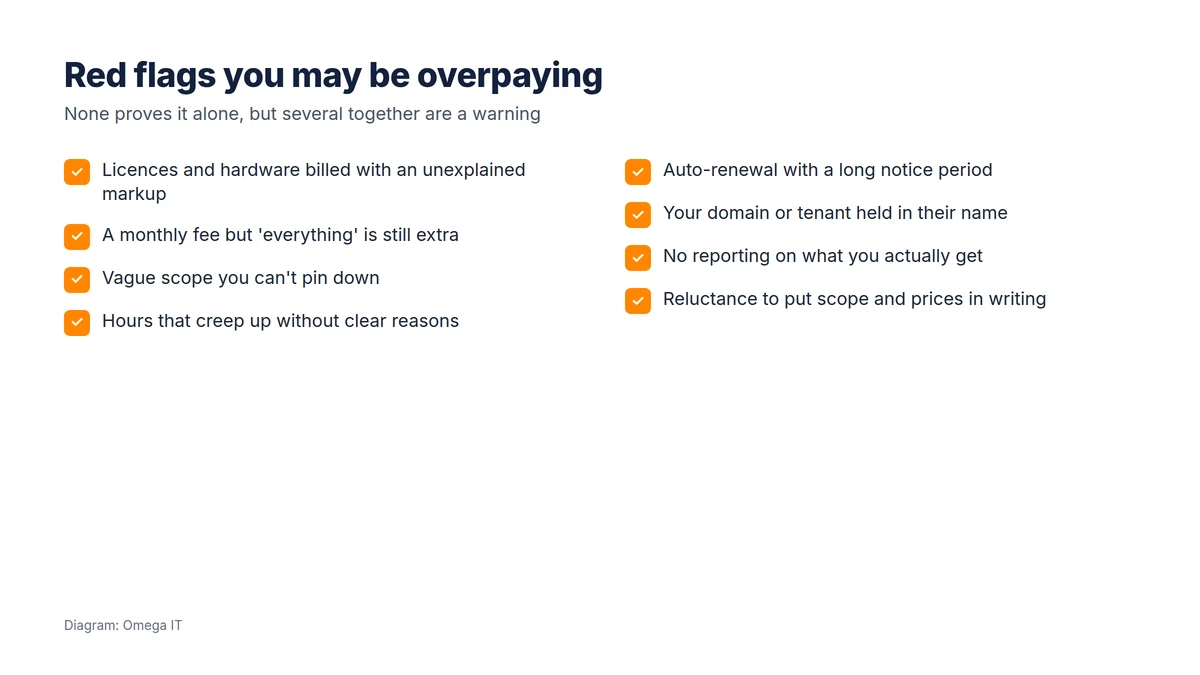
Individually these can be innocent; together they suggest it is time to ask questions:
- Unexplained markups on Microsoft licences or hardware, well above list price.
- A "fixed" monthly fee where, in practice, most things are still charged extra.
- Vague scope you cannot pin down, so you can never quite tell what you are paying for.
- Creeping hours on ad-hoc work, without clear reasons or estimates.
- Auto-renewal with a long notice period, which quietly removes your leverage.
- Your domain, Microsoft 365 tenant or licences held in the provider's name, not yours.
- No reporting on what you actually receive for the fee.
- Reluctance to put scope and prices in writing.
Where the extra cost usually hides
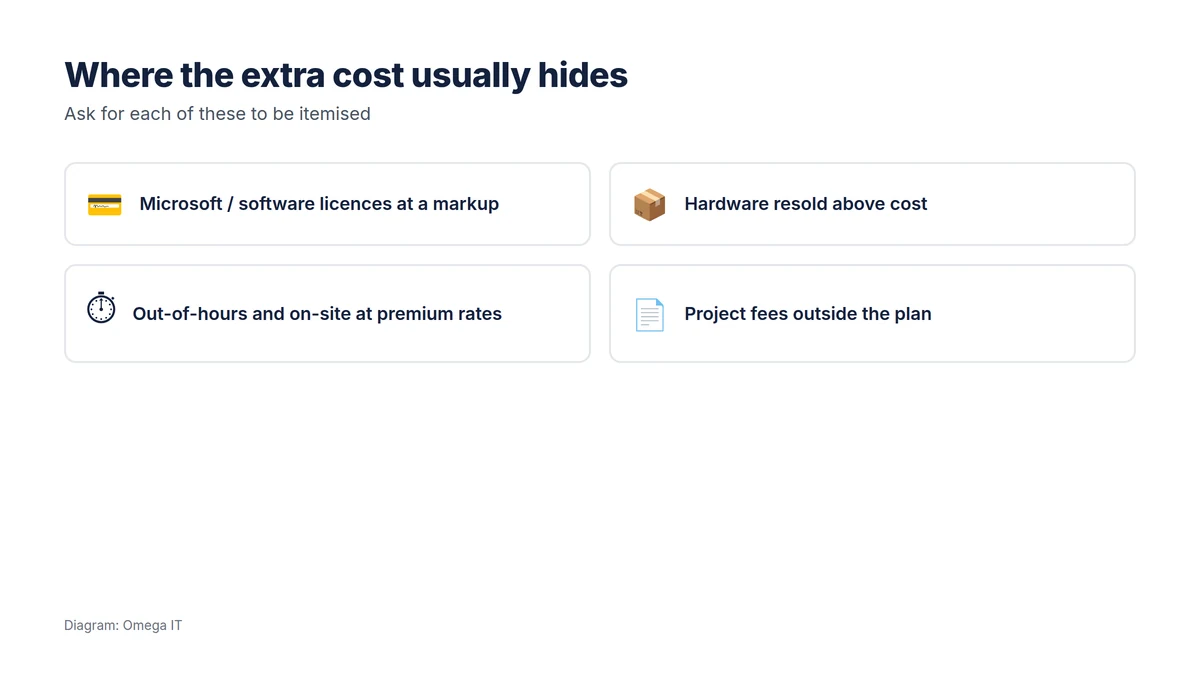
When a bill is higher than it should be, the difference is usually in a few predictable places:
- Software licences, especially Microsoft 365, resold at a margin that is never itemised.
- Hardware bought on your behalf and resold above cost.
- Out-of-hours and on-site work at premium rates you did not expect.
- Project fees for anything that falls outside the "included" scope, which turns out to be a lot.
The fix for all of these is the same: ask for an itemised breakdown. A provider confident in its value will show you what is a licence cost, what is labour, and what is margin. Evasiveness is itself an answer.
Spot value from markup
Our UK team will show clearly what you're paying for, with no hidden extras.
How to check, calmly
- Ask for an itemised breakdown of the monthly fee and recent invoices: licences, hardware, labour and any margin.
- Request the scope in writing: what is included, what is extra, and the response/fix times you are entitled to.
- Check ownership: confirm your domain, tenant and licences are registered to your business.
- Benchmark against the market, comparing what is included, not just the headline figure.
- Give your provider the chance to respond. A good one will welcome the conversation; a defensive one tells you what you need to know.
Our guides to outsourced vs in-house IT and IT support SLAs and response times help you judge whether the service, not just the price, stacks up.
If you do decide to move
If the numbers and the answers do not add up, you can switch, but do it properly rather than in a panic. Make sure your systems are in your name, agree a clean handover, and plan the transition so support never lapses. Our guide to switching IT support provider walks through it, and how to choose an IT support provider helps you pick the next one on value, not just price.
A fair bill vs an unfair one
An illustration helps, using only indicative public ranges (not Omega IT prices). Imagine a 20-person business paying a provider. A fair arrangement might show a clear per-user support fee in the published market range, Microsoft licences billed at or close to list price with any margin stated, hardware at cost plus a small, disclosed handling fee, and projects quoted up front. You can see what each pound buys. An unfair arrangement, for the same business, might bundle everything into one opaque number, mark licences up heavily without ever itemising them, bill "ad-hoc" hours that quietly grow month on month, and charge project fees for work you assumed was included. The two can land at similar headline figures, but one is value and the other is markup, and the difference only shows when you ask for the breakdown.
Want this handled for you?
Omega IT can take the day-to-day IT off your plate.
Questions that get straight answers
You can test a provider in one conversation. Ask:
- "Can you itemise this invoice into licences, hardware, labour and margin?"
- "What exactly is included in the monthly fee, and what is billed on top?"
- "What do you charge for out-of-hours and on-site work?"
- "Are our domain, Microsoft 365 tenant and licences in our name?"
Clear, specific answers are reassuring. Vagueness, deflection, or reluctance to put it in writing are the real red flags, more telling than any single number.
When a higher cost is actually right
Not every large bill is overcharging. Some businesses genuinely need, and should pay for, more: round-the-clock cover, compliance-grade security for a regulated sector, multiple sites, frequent on-site visits, or specialist systems. The point is not that cheaper is always better, it is that you should be able to see why you pay what you pay. A provider delivering a lot of value at a higher price will happily show you the value. One that cannot, or will not, is the one to question.
Getting more from your current spend
Deciding you are overpaying does not always mean leaving. Often the better first move is to make the existing relationship work harder. A good provider will welcome a conversation about value: ask them to itemise the bill, to confirm what is included, and to review whether you are on the right licences and support tier for how the business has changed. Businesses frequently pay for seats, services or add-ons they no longer use, and a proper review trims that.
How often to review your IT costs
IT spend is not a "set and forget" line. Review it at least once a year, and whenever the business changes materially, after growth, a move, or adopting new systems, because that is when scope and licensing drift out of line with what you actually need. An annual review also keeps your provider sharp: a relationship that is never questioned is the one most likely to quietly inflate. Treat it the way you would any significant recurring cost, with a regular, evidence-based check rather than a vague sense that "IT is expensive".
Talk to Omega IT
Omega IT itemises what is a licence, what is labour and what is included, so you can see the value, as part of our managed IT support and outsourced IT support.
Want a second opinion on your IT bill? Call 0800 254 5458 or 03333 580 300, or request a quote to compare.
General guidance, accurate to October 2026. Diagrams by Omega IT.